
Today we’re releasing some major updates to Ludi, focused on improving the board experience and sharing, plus lots of other cool updates.
For anyone running meetings, we recommend watching the video tour of the changes that affect you, and you can find the rest of the updates listed below.
Updated Board UI
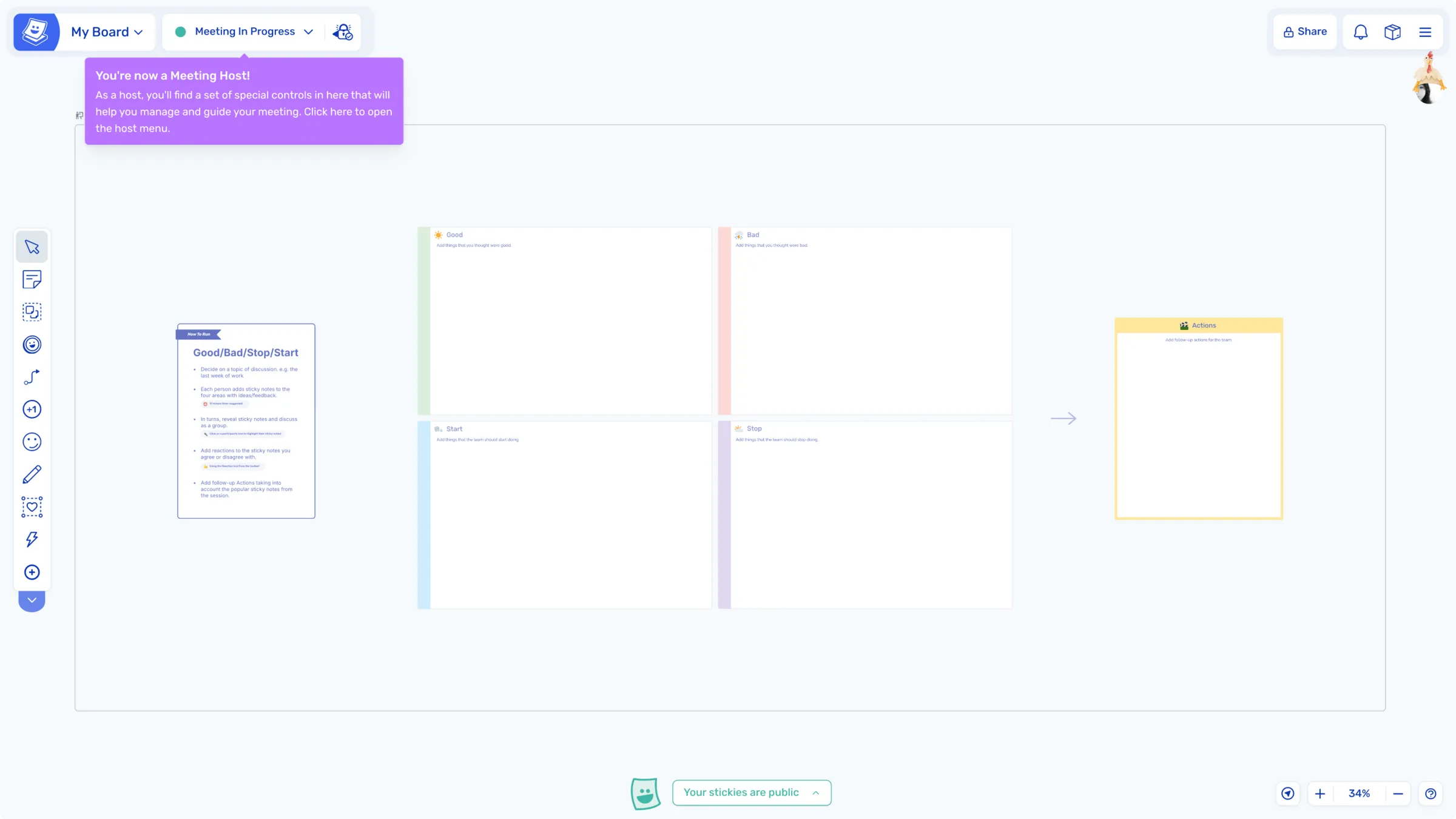
Less is definitely more when it comes to our new board interface - the redesigned layout keeps the focus on your meetings. As part of the changes, we’ve removed ‘Design Mode’ and introduced ‘Super Lock’ to help facilitators manage board editing.
No More Design Mode
Facilitators can now expand their toolbar during a meeting to access all Ludi tools. No more switching between modes.
Super Lock
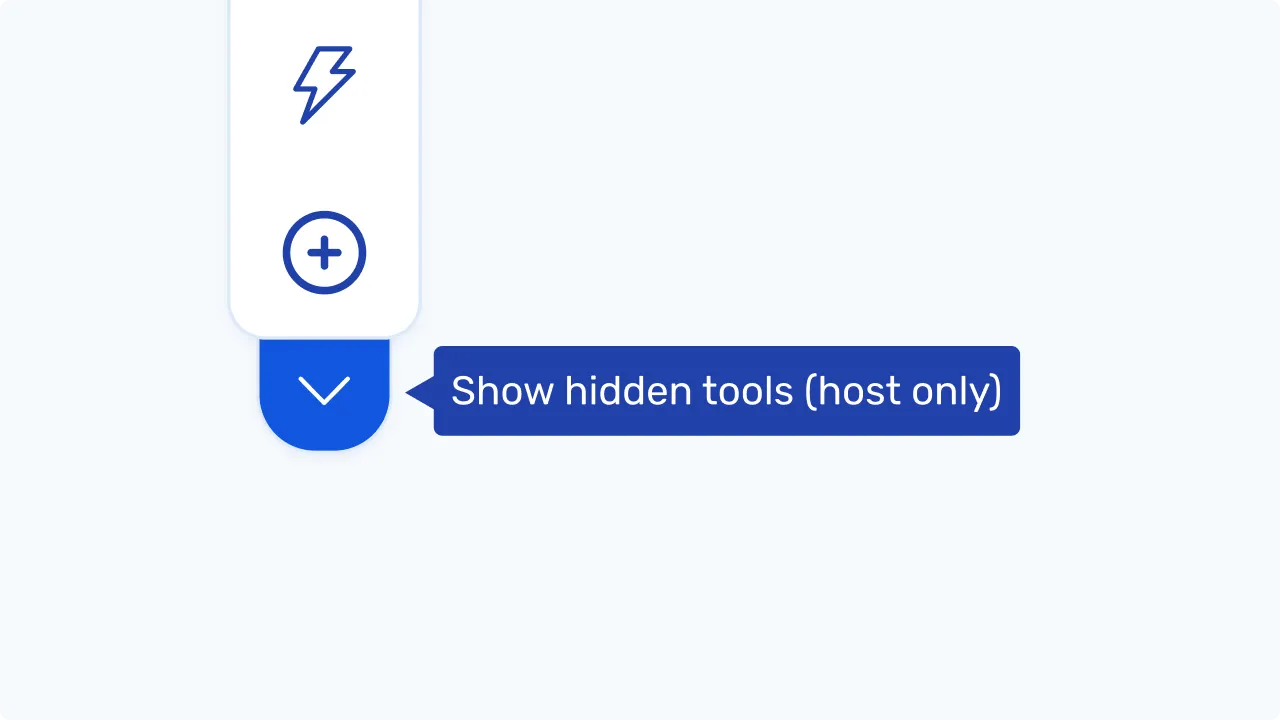
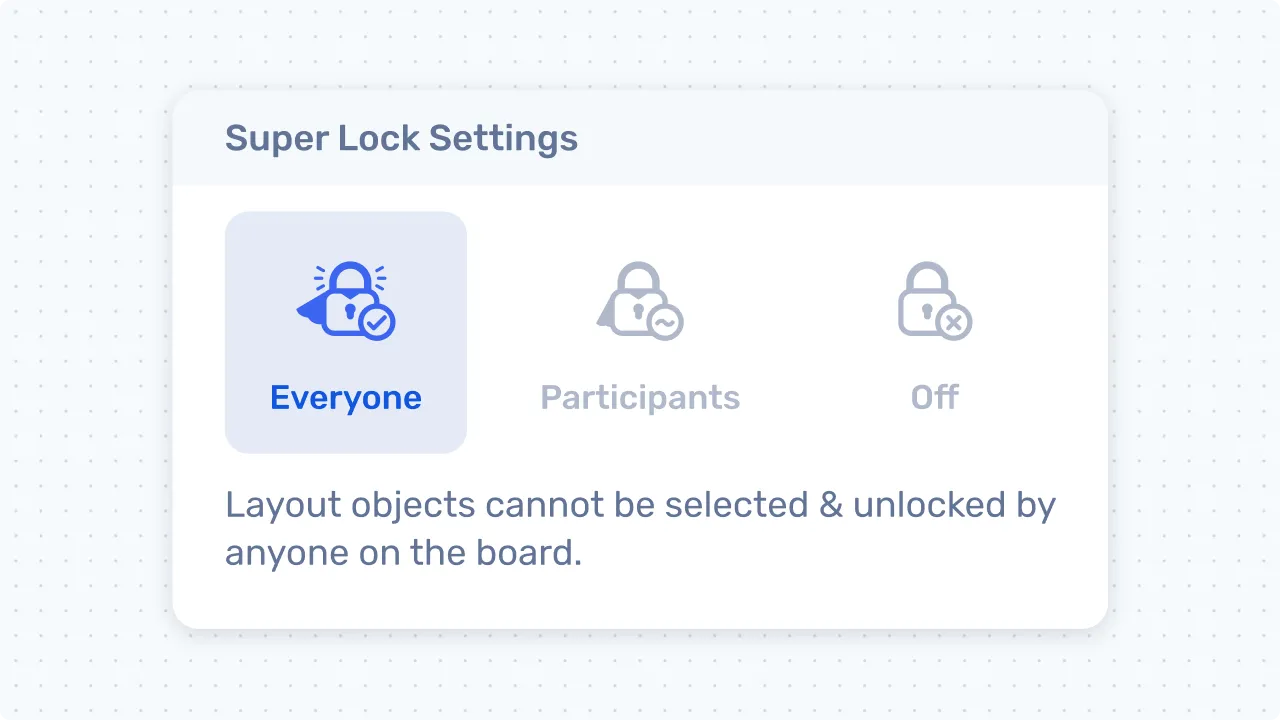
Prevent accidental editing with Super Lock by setting locking preferences for everyone on the board. This replaces the use of Design Mode to edit the board layout.
Tip: Locking and Unlocking
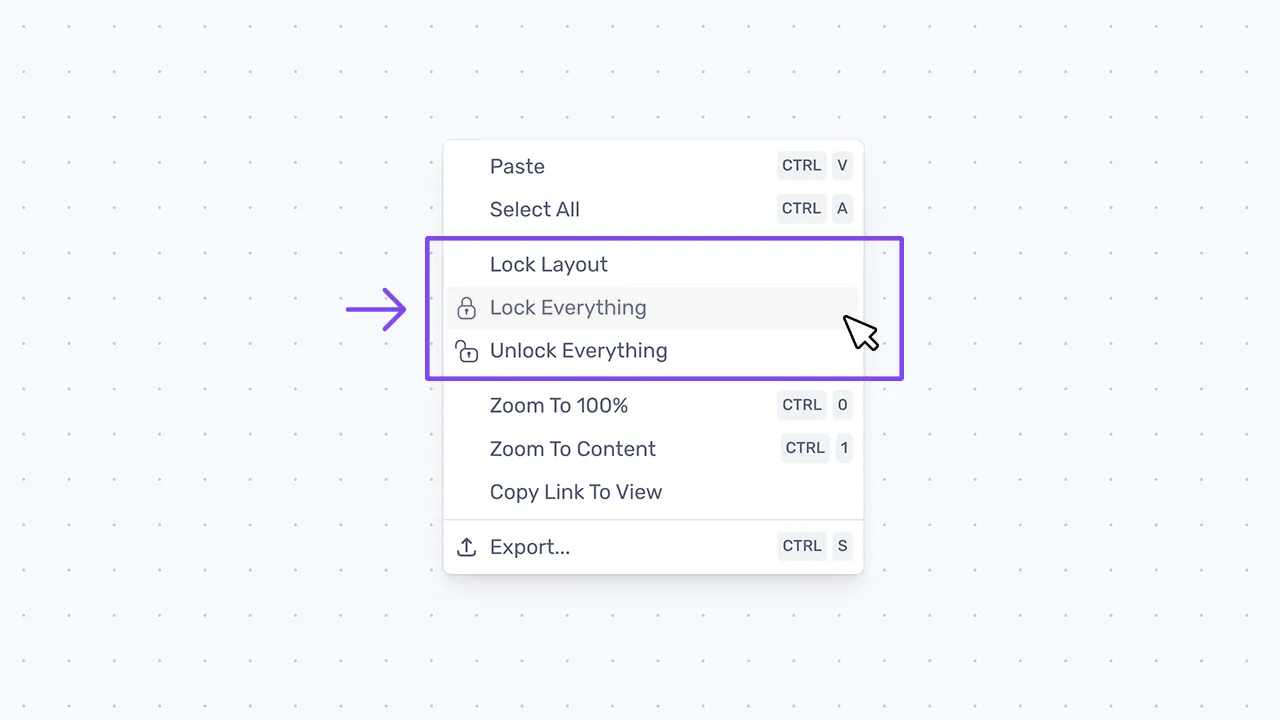
When building boards, use the right-click menu to lock and unlock the entire board. Right-click anywhere on the board background to open the menu:
Mini-map
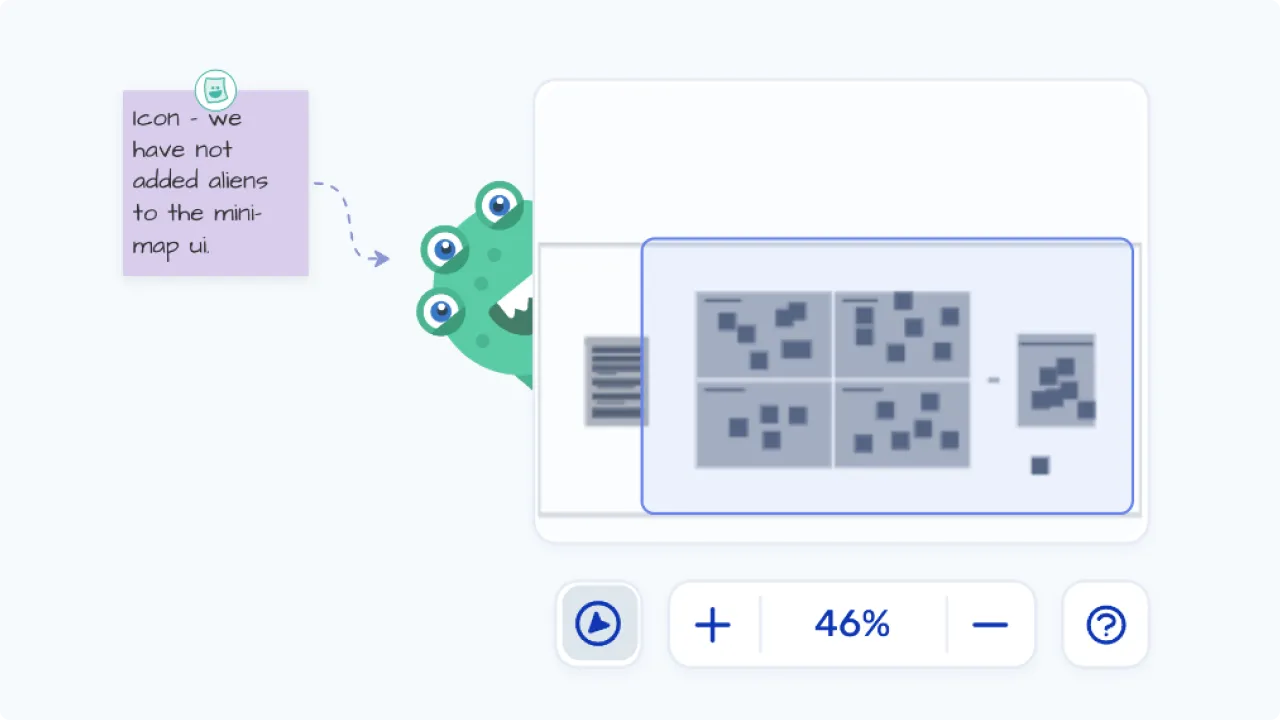
A “boards-eye” view of the full picture, use the mini-map to quickly zoom or pan to any area of your board.
There is also a “Jump To…” option when clicking on the zoom controls, which instantly moves you to a frame on your board.
Board Sharing Updates
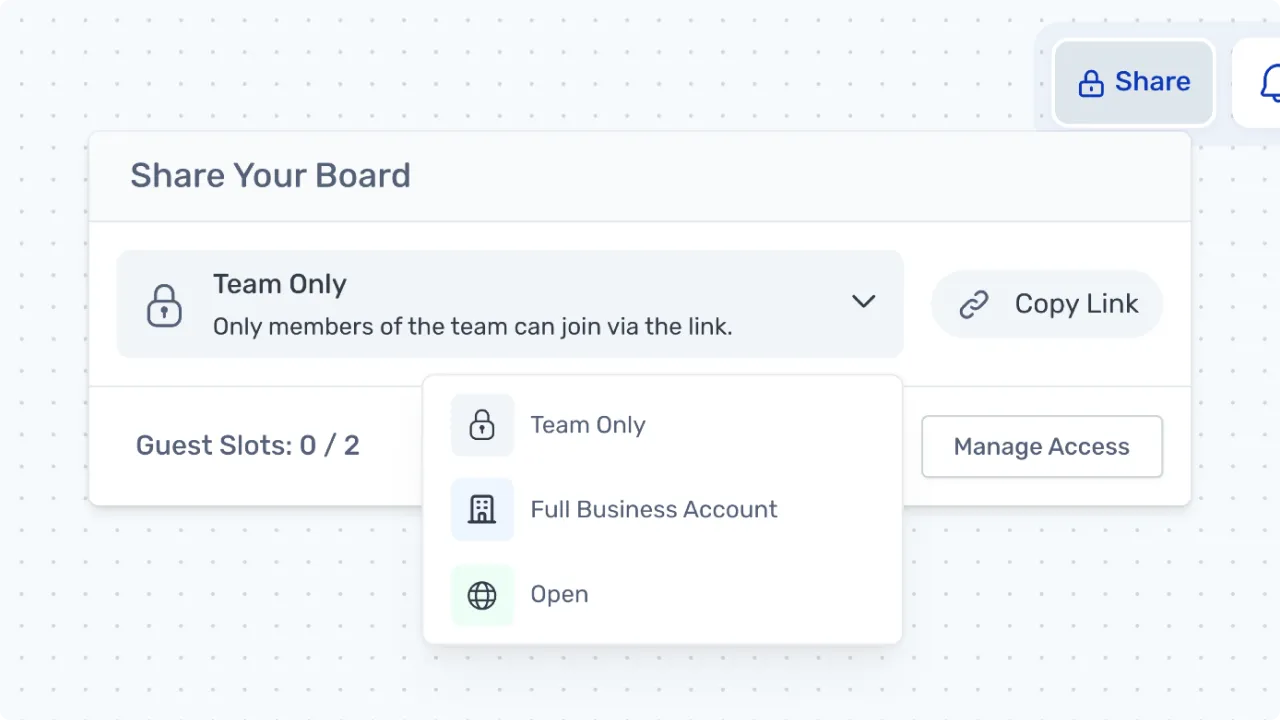
We’ve simplified board sharing to three levels of “trust”: Team, Organization and Open. Choose who can join your board without approval:
- Team: Your team can join the board instantly.
- Organization: Anyone in your ‘org’ can join instantly.
- Open: Anyone with the link can join instantly (subject to your plan’s guest limits).
New: Invite Via Email
You can now invite via email directly from the board. This grants instant permission for the invitee to join the board quickly. You can invite them as either a Member or Guest.
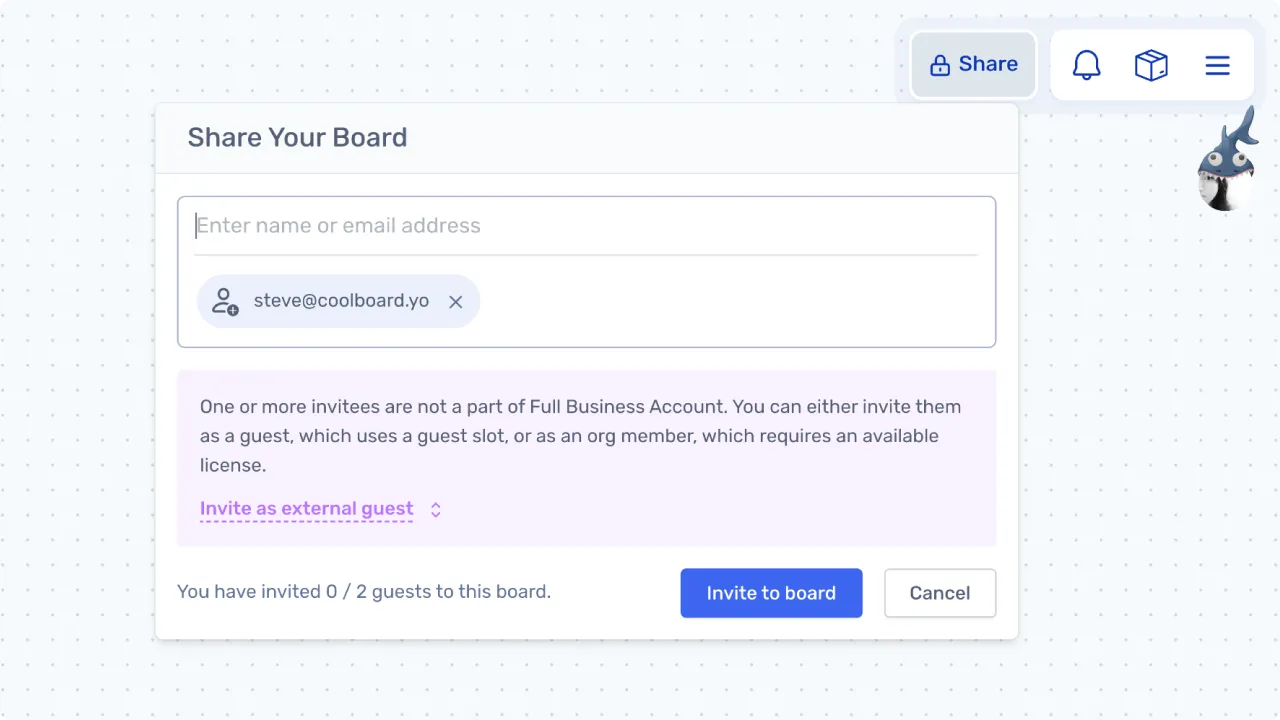
Please note: People joining the board are still subject to member and guest seat allocations, driven by your plan.
Icons ❤
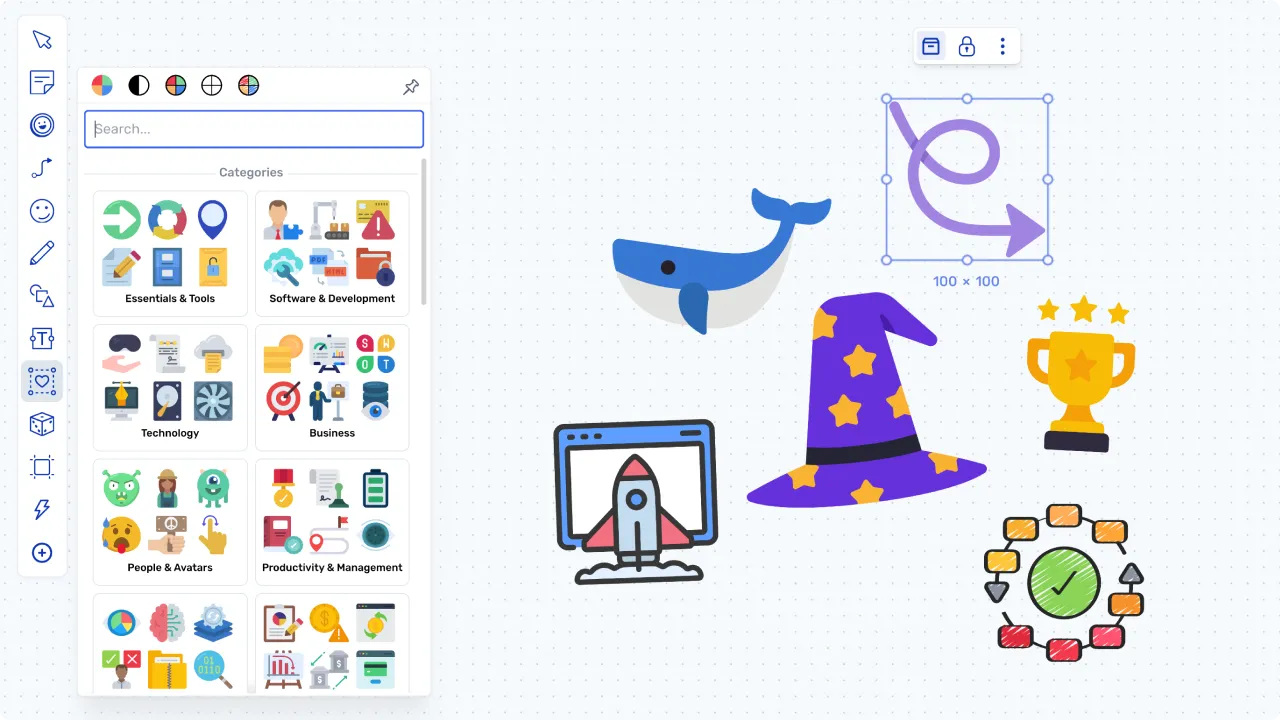
Make more creative boards with less effort. Use the new Icon Library (Heart) in the toolbar to browse and add over 20,000 fun icons in five styles.
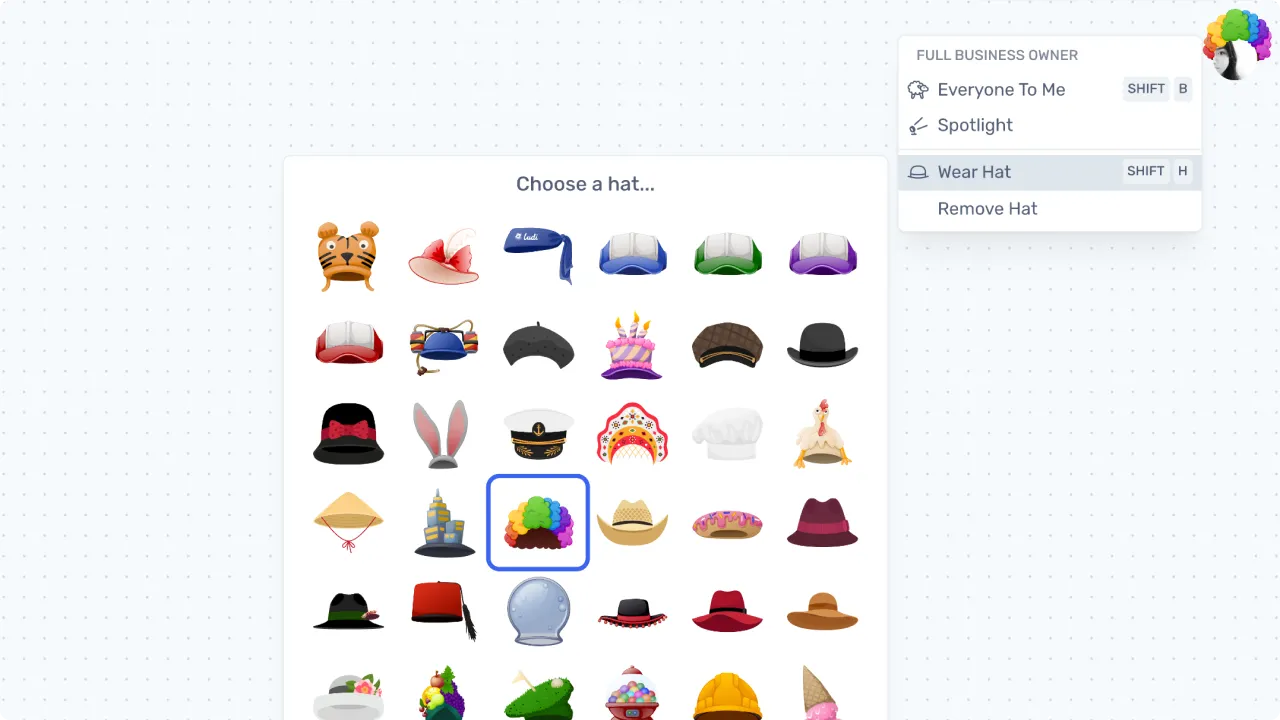
More Hats! 👑
We’ve added a bunch of new hats in this release - what better way to show off your flair?
You can push Shift+H to cycle through the hat collection, but for the more discerning hat enthusiast, click on your own profile image in the top right and select ‘Wear Hat’ to browse the full range. Welcome to the Hat Club.
Platform and Feature Improvements
Here are a few of the smaller improvements coming out in this release:
Improved board joining
- We’ve improved the routes for people joining boards, so there should be less confusion and more joining.
Tokens
- The Team tokens now auto-populate with your team pictures before they join the board, which means you can use them when designing activities.
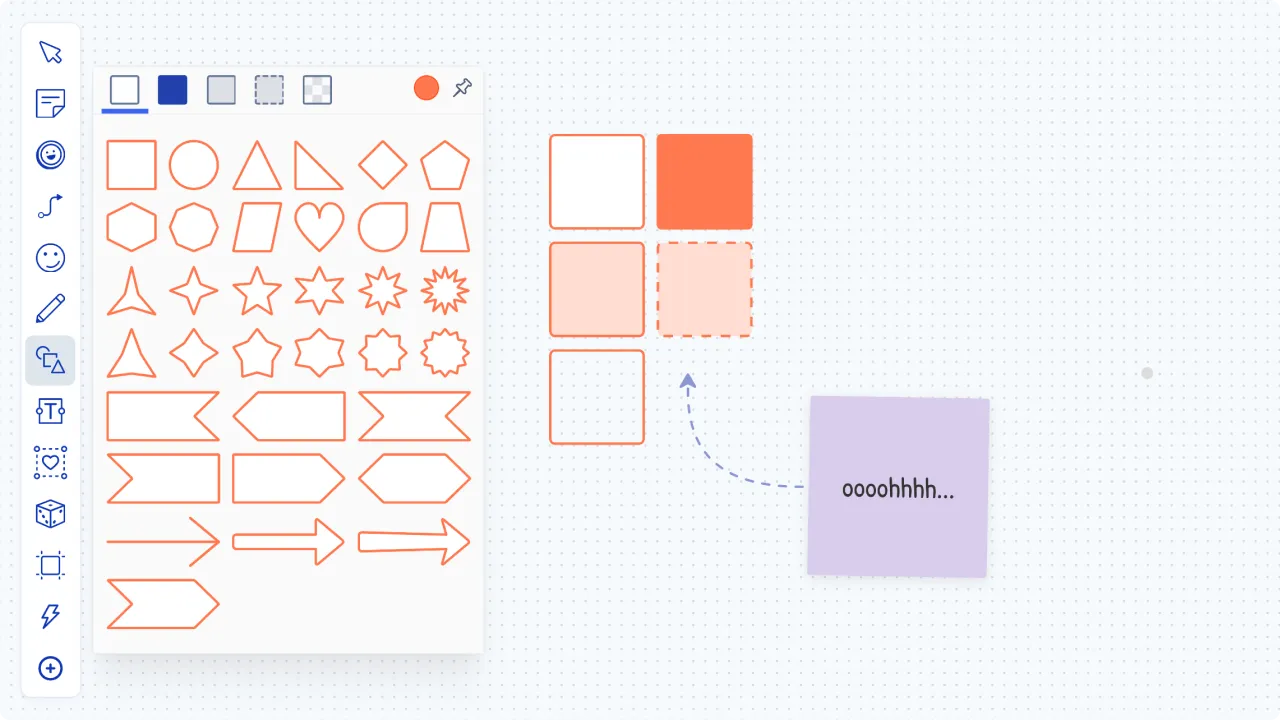
Shapes: New styles
- New shape styles for making layouts or diagrams.
Polls
- Added a count of responses to each poll answer, in addition to the percentage.
Available seats
- Added visibility of seat count when inviting new team members
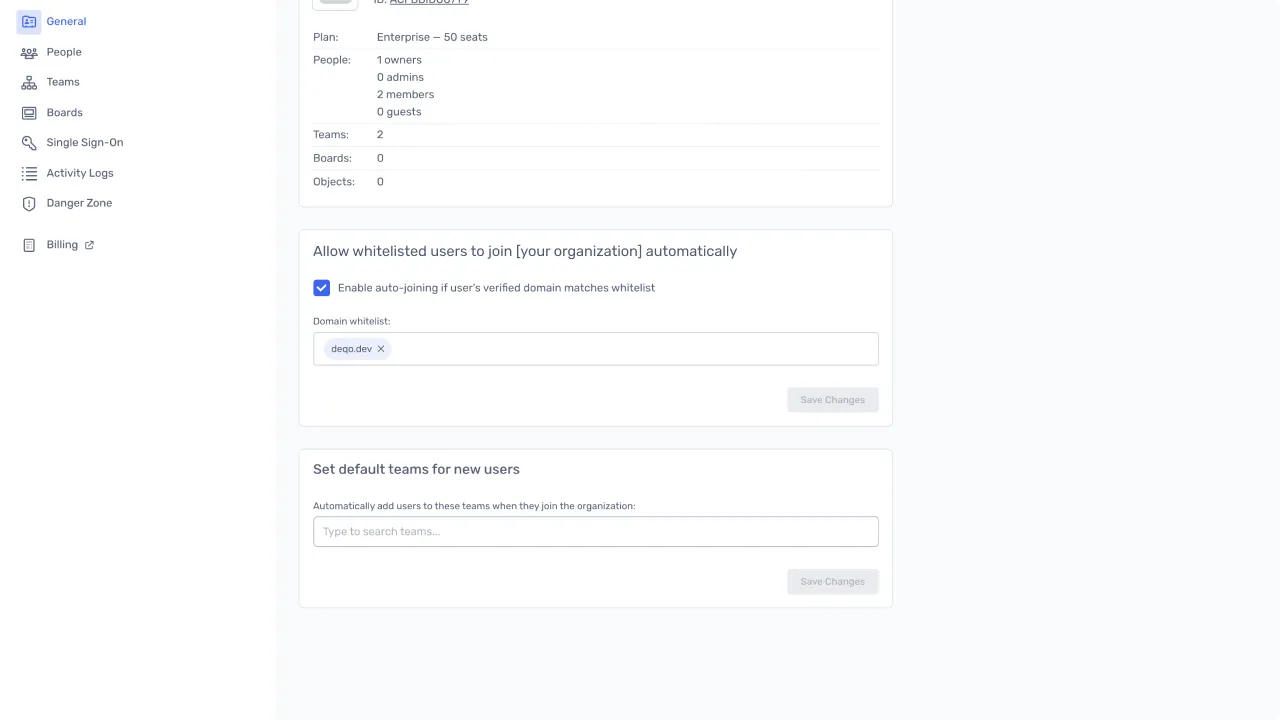
Account Access Control
Add your trusted email domains in the Admin settings to allow new members to auto-join your organization account.
- Set the approved domains to enable auto-joining for your colleagues when they visit a board for the first time.
- Set a default team for new users when they join. Optional, but r****ecommended for Starter plan teams.
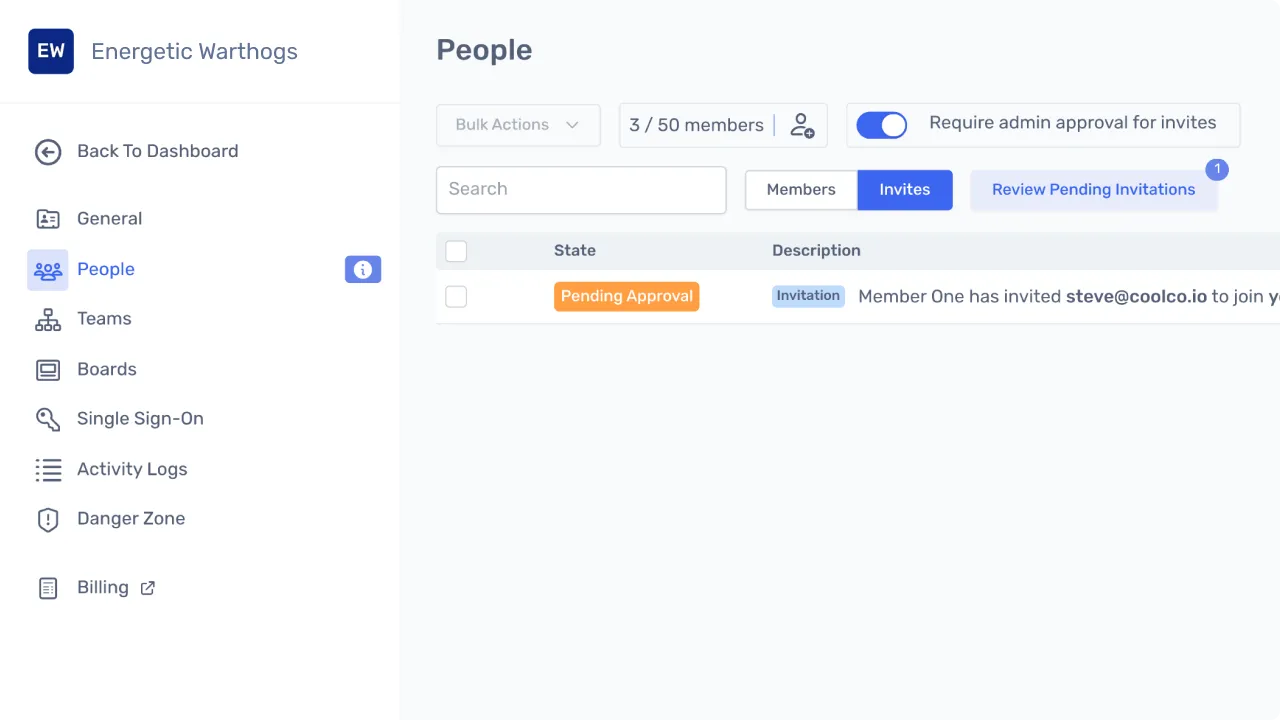
Updated Invite and Join Request Management
- Admins can view invites sent by email, and approve or deny any account join requests made by new users.
Have an awesome day 💪
Catch you in the next update.
Kit, Jamie, Steve and Steve - the Ludi team