





ludi-logo
is now
spreo-logo

Read about the rebrand in our Blog

Sticky Notes

Capture ideas, feedback, and discussion points instantly on a shared board. Sticky notes are the core building block of every session, helping teams write, organise, and act on ideas together.

Sign up with Google Sign up for free
30-day free trial
No card required
Endless confetti

Made for Team Input

Why Spreo sticky notes work better for team sessions

Sticky notes are at the centre of how teams collaborate, from capturing ideas to grouping, discussing, and deciding what to do next. Spreo makes sticky notes fast to create, easy to organise, and designed for real-time collaboration, so teams can focus on the session instead of the tool.

Create ideas instantly

Create ideas instantly

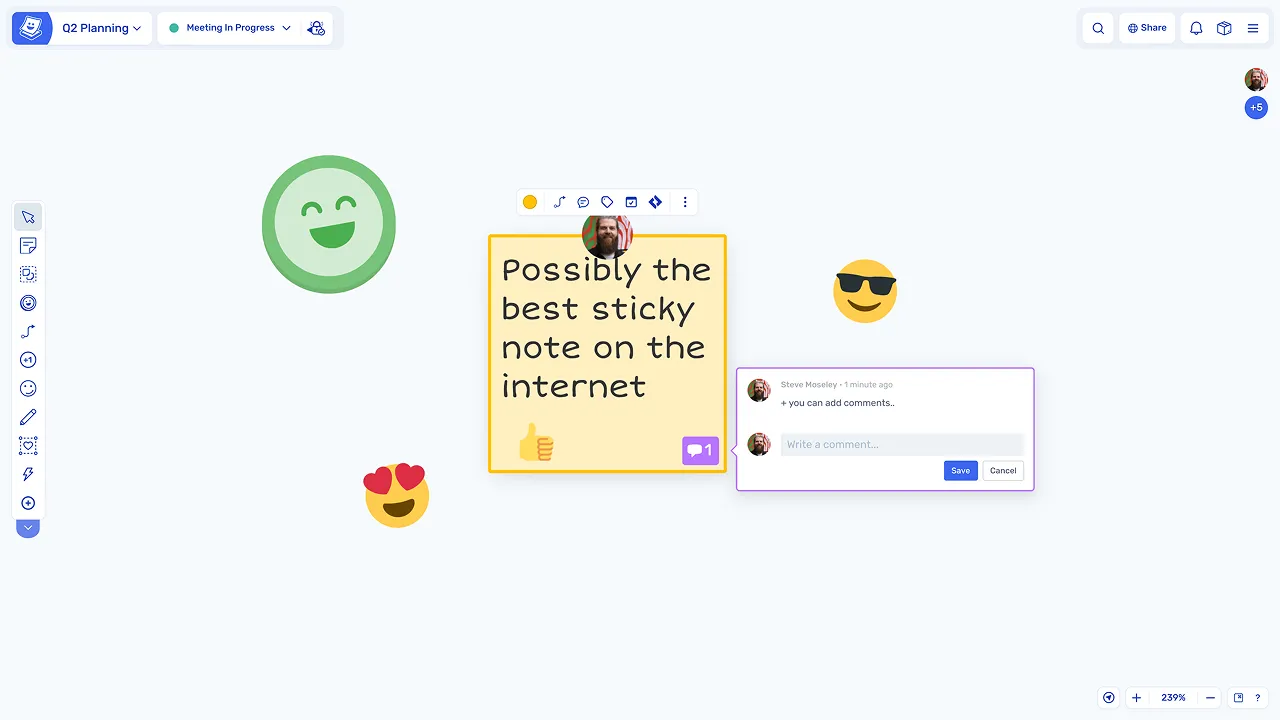
Double-click anywhere on the board to create a sticky and start typing, with no need to select tools or navigate menus.

Encourage honest input from everyone

Encourage honest input from everyone

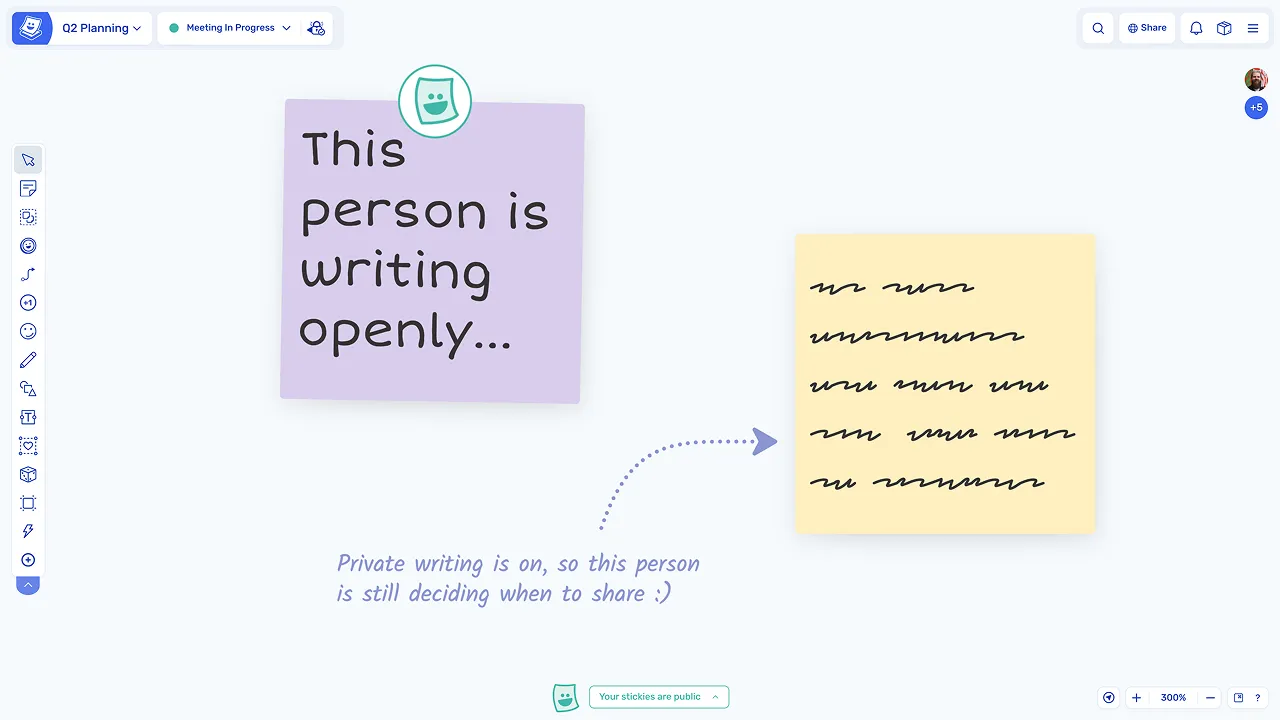
Private writing allows participants to write independently before revealing their ideas, helping avoid bias and groupthink.

Keep boards organised automatically

Keep boards organised automatically

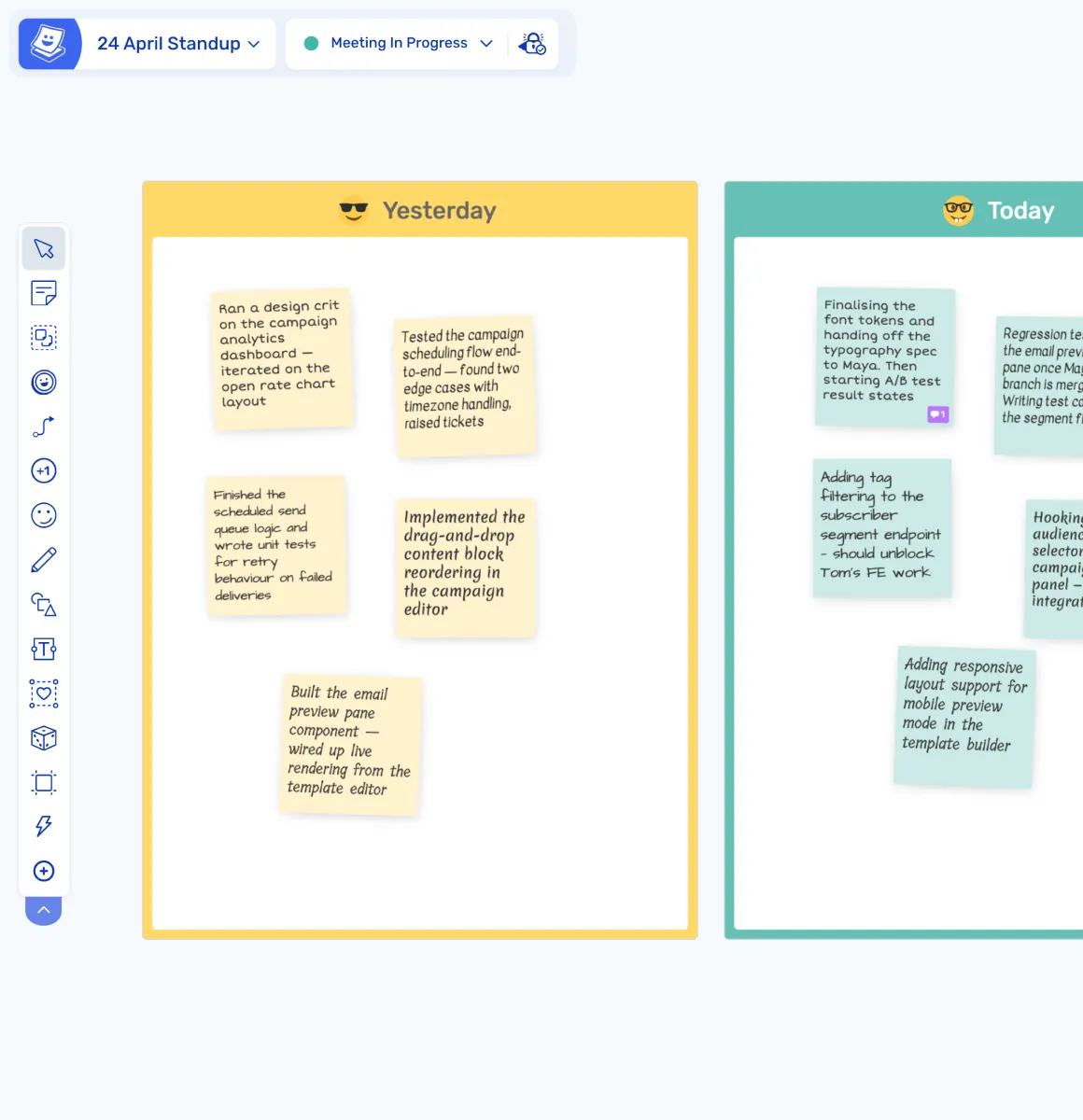
Sticky notes inherit colours from zones, so boards stay structured and easy to scan without manual formatting.

Make collaboration more human

Make collaboration more human

Each participant's stickies appear in a unique handwriting font, making contributions easier to recognise and follow.

Turn ideas into structured themes

Turn ideas into structured themes

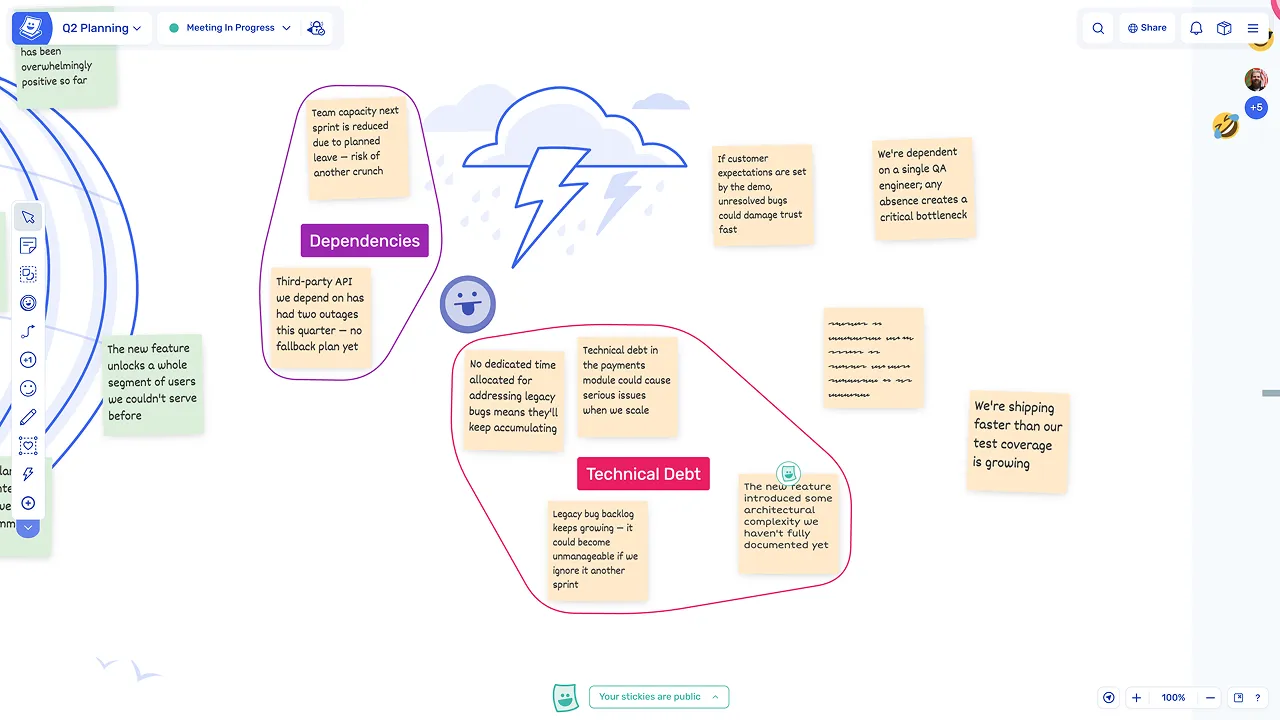
Sticky notes can be grouped into topics, helping teams organise information and identify patterns quickly.

Move from ideas to action

Move from ideas to action

Stickies can be voted on, commented on, and converted into actions or Jira issues, keeping the workflow connected.

What are sticky notes?

Sticky notes are the core interaction unit in Spreo, used to capture ideas, feedback, and discussion points during team sessions. Teams write individual thoughts on stickies, then group, discuss, vote, and act on them.

They are used across all types of sessions, including retrospectives, planning, brainstorming, workshops, and estimation. Every sticky remains on the board as a record of the session, with all contributions visible and accessible later.

How teams use sticky notes in Spreo

Create stickies anywhere on the board

Double-click anywhere to create a sticky note and start typing immediately, with no toolbar or setup required. The board itself is the creation surface, so participants can add ideas without interrupting their flow.

Create stickies anywhere on the board

Write independently or collaboratively

In private writing mode, stickies are hidden until revealed, allowing participants to write without seeing others' input first. This helps everyone contribute their own perspective before the group discussion begins.

Write independently or collaboratively

Organise ideas visually

Stickies can be grouped into topics, forming clusters with labels that help structure ideas and identify themes. Groups make it easy to move from individual contributions to a shared understanding of the key points.

Organise ideas visually

What makes Spreo sticky notes different

Auto-colouring by zone

Stickies automatically take on the colour of the zone they are placed in, ensuring boards stay visually consistent and organised without any manual formatting.

Individual handwriting fonts

Each participant's notes appear in a distinct font, making contributions easy to recognise and keeping the collaborative feel of a physical session.

Persistent emoji reactions

Emoji stamps remain on stickies as visual markers, showing emphasis and engagement from the session even after it has ended.

Loved by teams everywhere

What the teams who use Spreo every week say about it

Jakob Edholm

Freelance Agile Coach

As an agile coach I need a tool that is easy for my teams to use, and advanced enough for me as a facilitator so I can set my workshops the way I want them.

Spreo has a well-balanced blend between user-friendlyness, productivity and fun! Also, the people behind this great service have been very nice and open for discussing improvements and future features.

It’s a pleasure using Spreo and I use it for most of my retros and workshops, many times every week!

Marteijn Mout

Senior Scrum Master, Jumbo Tech Campus

For my teams’ retrospectives I have been using Spreo for nearly 1 year and am very satisfied with this collaborative web app 👍

But now with their new upgrade to v2 it goes next level! So many new template options (eg ice breakers, Poker planning, T-shirt sizing, WoW). And also useful advanced facilitator controls within the boards plus optimized usability… big applause 👏

Marianne Béglin

Product Owner, Enginn Technologies

Our team at Enginn Technologies is working on a AI voice acting app for video games. Spreo is the bomb for making fun retrospectives in an office or remote setting.

It’s just beautiful and convenient, with a few quirky and unique features that keep our meetings from getting boring (like the wake up slap)!

James MacEwan

Product Owner, LightNet team, MediaWorks, Operation Mobilisation

MediaWorks is a not-for-profit consultancy providing relevant print and digital media to Christian ministries. We are using Spreo for our biweekly Scrum Sprint Retrospectives for a web-based product we are building. Spreo gives us a fit-to-purpose tool for retrospectives.

Instead of using a generic whiteboarding tool, we are able to take advantage of the functionality you want during retrospectives. I especially like private stickies feature and each person being in full control of what they share and when. Voting on stickies is easy. Capturing action items is easy. Having a visible timer countdown is excellent. Confetti and similar add some fun to it all.

Work should be efficient and fun and Spreo gives that to us for the 2 hours per month we are in retrospective events.

Karsten Mueller

Agile Coach, emetriq

For me, Spreo is the state-of-the-art tool for remote retrospectives. It is not complicated like other similar tools. The ability for people to write their notes in private before they share is really important for us.

Chris VanderKolk

Engineering Manager, Zapier

Our team is focused on new product development, and rapid iteration is an important part of our process.

Spreo helps my team facilitate retrospectives to make sure we’re focused on what matters. Spreo’s wide selection of templates helps me adjust based on which problems we’re facing—there’s always a template for my use case.

Ready to experience the best collaboration tool for your team?

Sign up for free

Interested in Spreo for your organization? Book a demo.