




ludi-logo
is now
spreo-logo

Read about the rebrand in our Blog

Story Mapping

Map the user journey and prioritise what to build next. Visualise activities, organise stories by priority, and define release scope in a collaborative session.

Sign up with Google Sign up for free
30-day free trial
No card required
Endless confetti

Made for Story Mapping

Why Spreo works well for story mapping

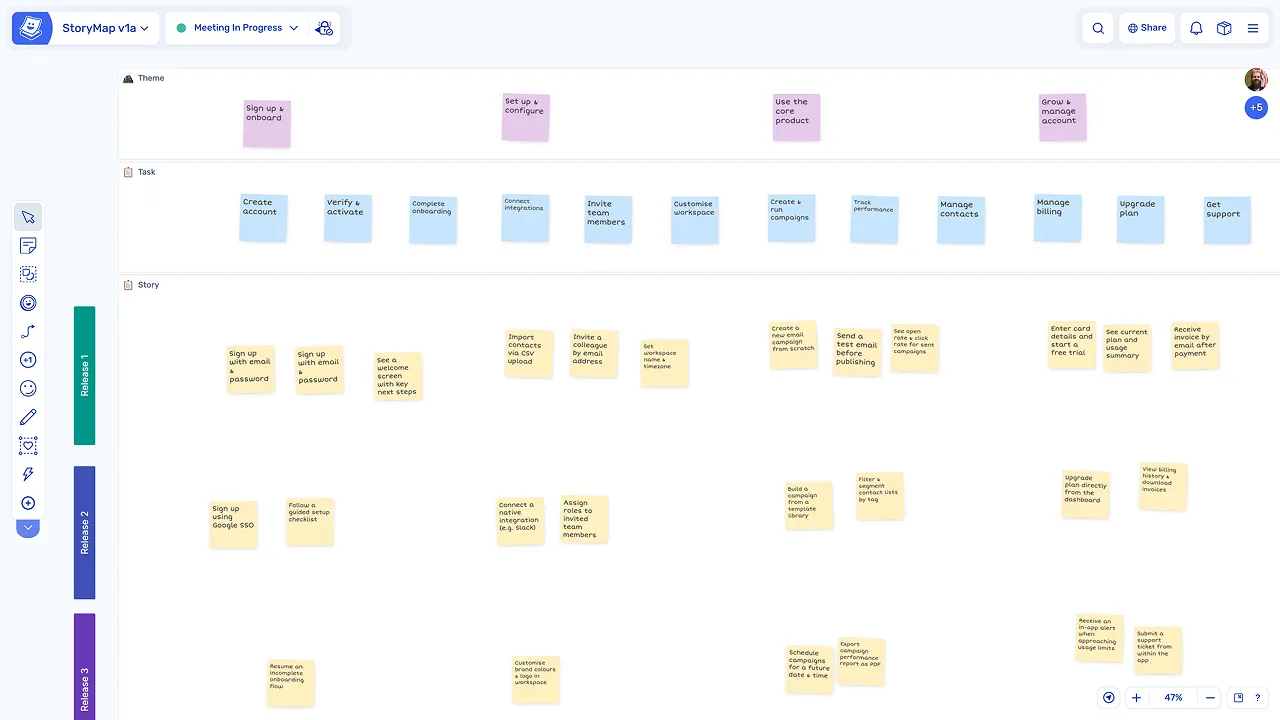
Story mapping relies on seeing the full user journey and organising work visually. Spreo gives teams a shared canvas where they can map activities, arrange stories, and define release scope together, combining the flexibility of a whiteboard with the structure and persistence of a digital tool.

See the full user journey

See the full user journey

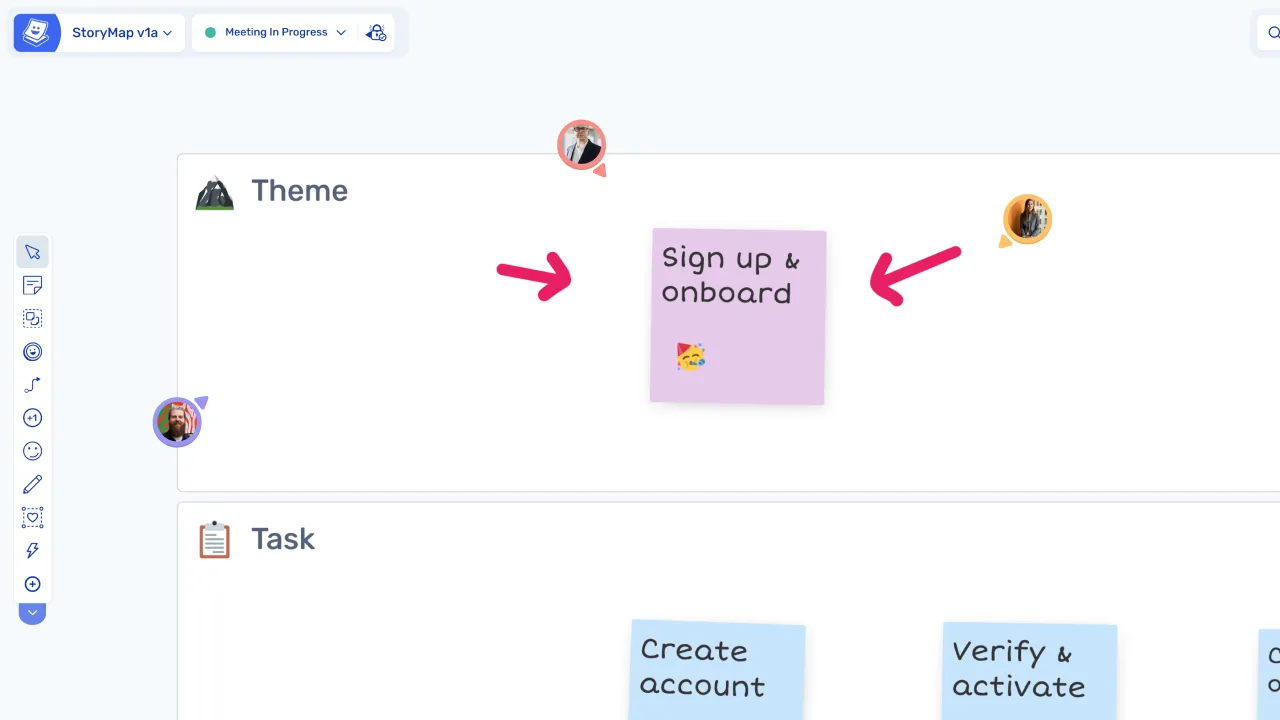
Activities and stories are arranged visually, making it easier to understand the flow of the user experience at a glance.

Organise and prioritise work visually

Organise and prioritise work visually

Stories can be moved, grouped, and reordered on the board, helping the team define priorities and identify gaps.

Define release scope clearly

Define release scope clearly

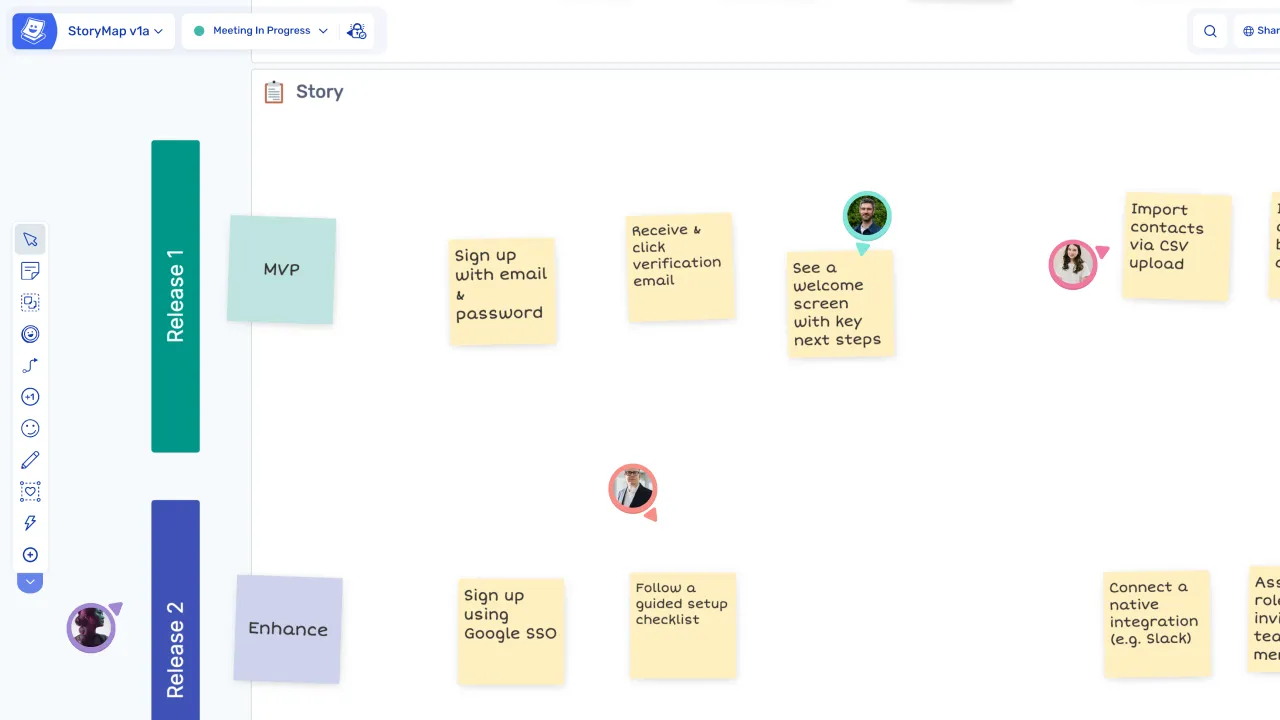
Release boundaries can be drawn directly on the board, making it clear what is included in the next release and what comes later.

From ideas to Jira issues instantly

From ideas to Jira issues instantly

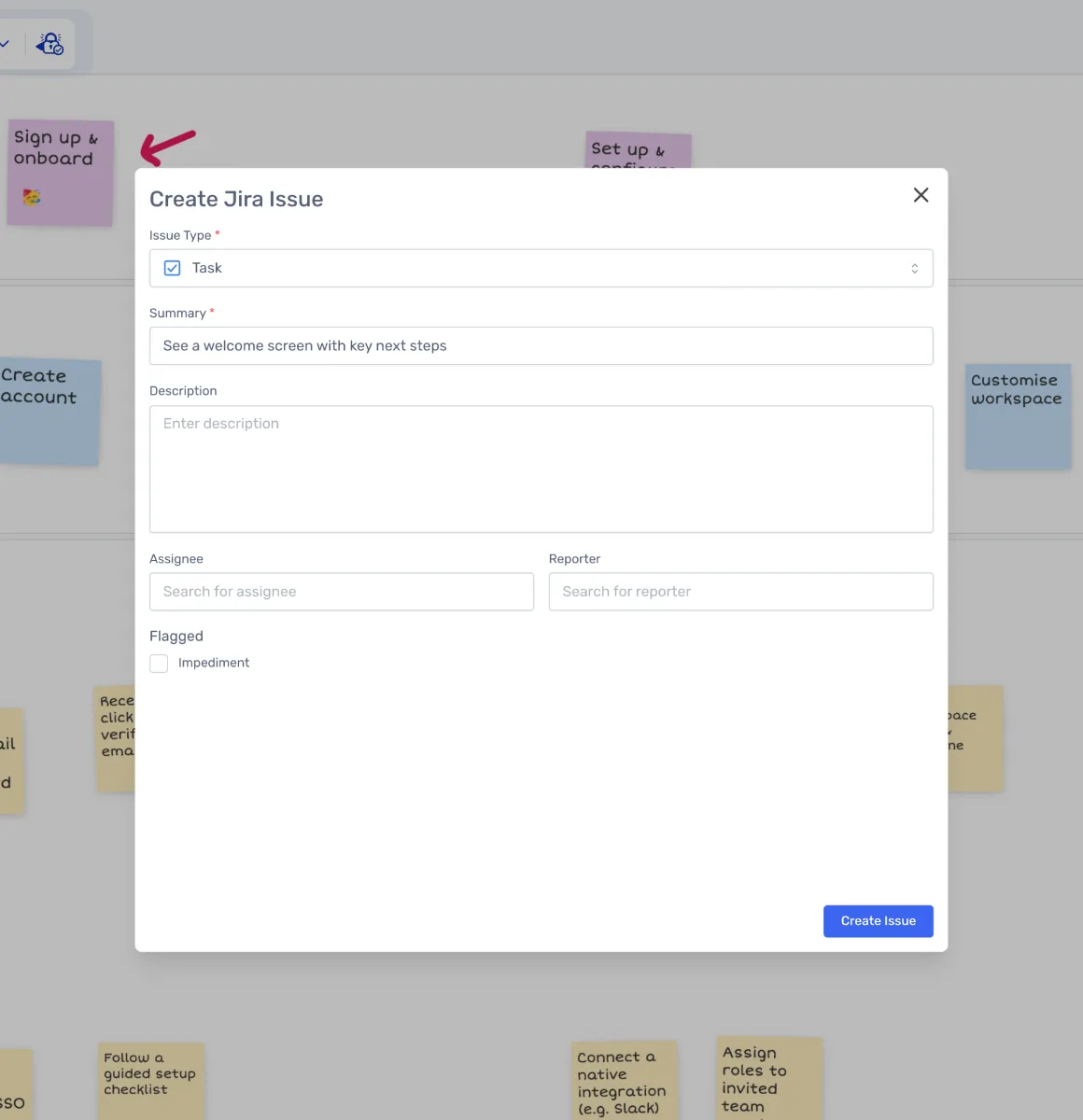
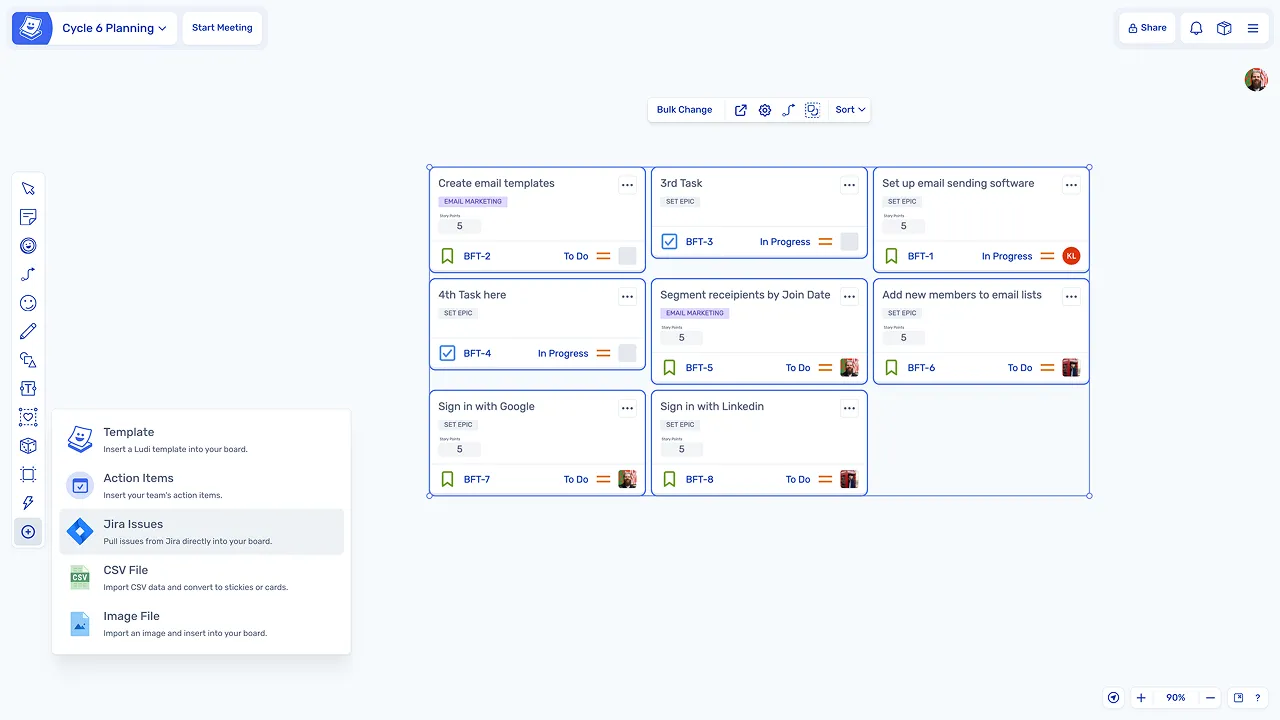
Stories created during the session can be converted into Jira issues without needing to transfer them manually.

What is Story Mapping?

Story mapping is a session where the team builds a visual map of the user journey. Activities are placed across the top, and user stories are arranged underneath, ordered by priority.

This approach helps teams understand the full scope of a product or feature, identify what needs to be built first, and plan releases based on user value rather than technical order.

How teams run story mapping in Spreo

Start with a story mapping template

Teams use a template with a horizontal timeline of user activities to structure the session, so the backbone of the map is already in place when participants join.

Start with a story mapping template

Map the user journey

The team defines user activities across the top of the board, creating the backbone of the map, then adds stories and tasks underneath each activity to fill in the detail.

Map the user journey

Define release boundaries

A horizontal line is drawn to separate what is included in the next release from what comes later, making scope decisions visible to the whole team and easy to adjust.

Define release boundaries

Refine, prioritise, and move to delivery

Discuss and refine the map

The team reviews the map together, reorders items, and identifies gaps or missing pieces, making sure the user journey is complete before committing to scope.

Prioritise and arrange stories

Stories are arranged by priority under each activity, helping the team understand dependencies and decide what to build first to deliver the most value.

Convert stories to Jira issues

Stories created during the session can be turned into Jira issues directly from the board, with no manual transfer required to move from planning to delivery.

Explore other agile meetings

Story mapping is one of several agile meetings teams run regularly. Explore other agile sessions you can run in Spreo.

Loved by teams everywhere

What the teams who use Spreo every week say about it

Natalia Quintana

Business Operations Manager, Xmartlabs

Spreo makes workshops, plannings & retros easy and fun! The variety of templates is impressive, they are not only visually appealing but also very original. It has made facilitating complex dynamics like OKR planning much easier and more intuitive.

Siobhan He

Product Manager, EZ Ops

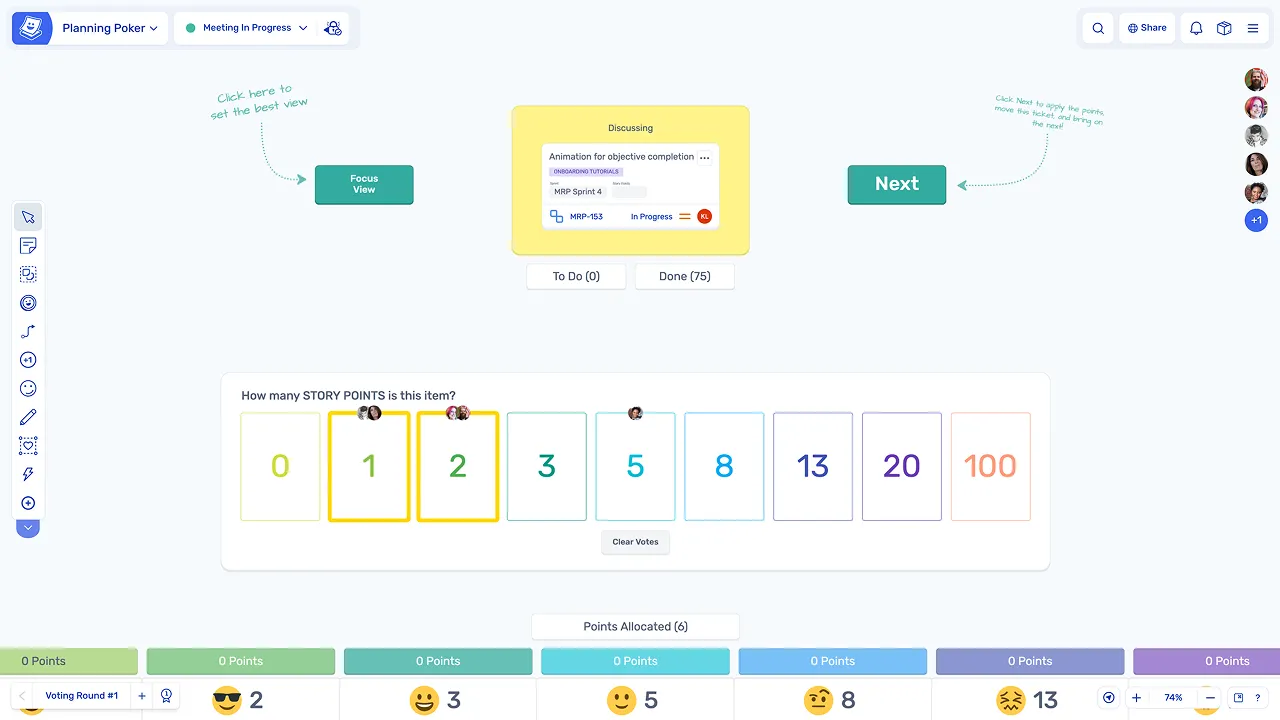
We use Spreo for our retrospectives, but also for loads of other meetings. The team loves it! They are having a lot of fun with the planning poker and personalizing the retro boards.

The emoji stickies are a particularly big hit, as is the confetti tool.

We have used it a couple times for brainstorming and team building as well, and it worked really really well!

Marteijn Mout

Senior Scrum Master, Jumbo Tech Campus

For my teams’ retrospectives I have been using Spreo for nearly 1 year and am very satisfied with this collaborative web app 👍

But now with their new upgrade to v2 it goes next level! So many new template options (eg ice breakers, Poker planning, T-shirt sizing, WoW). And also useful advanced facilitator controls within the boards plus optimized usability… big applause 👏

Marianne Béglin

Product Owner, Enginn Technologies

Our team at Enginn Technologies is working on a AI voice acting app for video games. Spreo is the bomb for making fun retrospectives in an office or remote setting.

It’s just beautiful and convenient, with a few quirky and unique features that keep our meetings from getting boring (like the wake up slap)!

Bertrand

Head of Delivery Acceleration

Spreo’s focused list of features combined with ease of use is a major differentiator and why we continue to prefer it over more complex online tools.

We first used it to power online brainstorming sessions. The ability to build our own digital boards with ease and get first time users to use them after a short briefing was amazing.

We then moved to using it for our Scrum Taskboards, Story Maps and Product Roadmaps with the same positive results.

Manon Pavie

Product Owner, DINUM

As a Product Owner currently developing a tool for the French government, I have been and continue to be a strong advocate of Spreo. Its features are both innovative and genuinely user-centred, with a level of design quality that is consistently impressive. The support chat has also proved to be exceptionally responsive. I will continue to rely on Spreo for Scrum management and design thinking, and I even use several boards to organise my personal projects.

Would you like to know more?

Spreo is completely free for 30 days, so why not sign up to try it out and do your part for collaboration!

Sign up for free
30-day free trial
Live chat support

Still have a question? Contact us we’ll be happy to help you.

Ready to experience the best collaboration tool for your team?

Sign up for free

Interested in Spreo for your organization? Book a demo.